Double-page spreads
Give a big moment two pages
A spread is one panoramic illustration across two facing pages. See how the same rooftop scene changes from a single page to a spread.
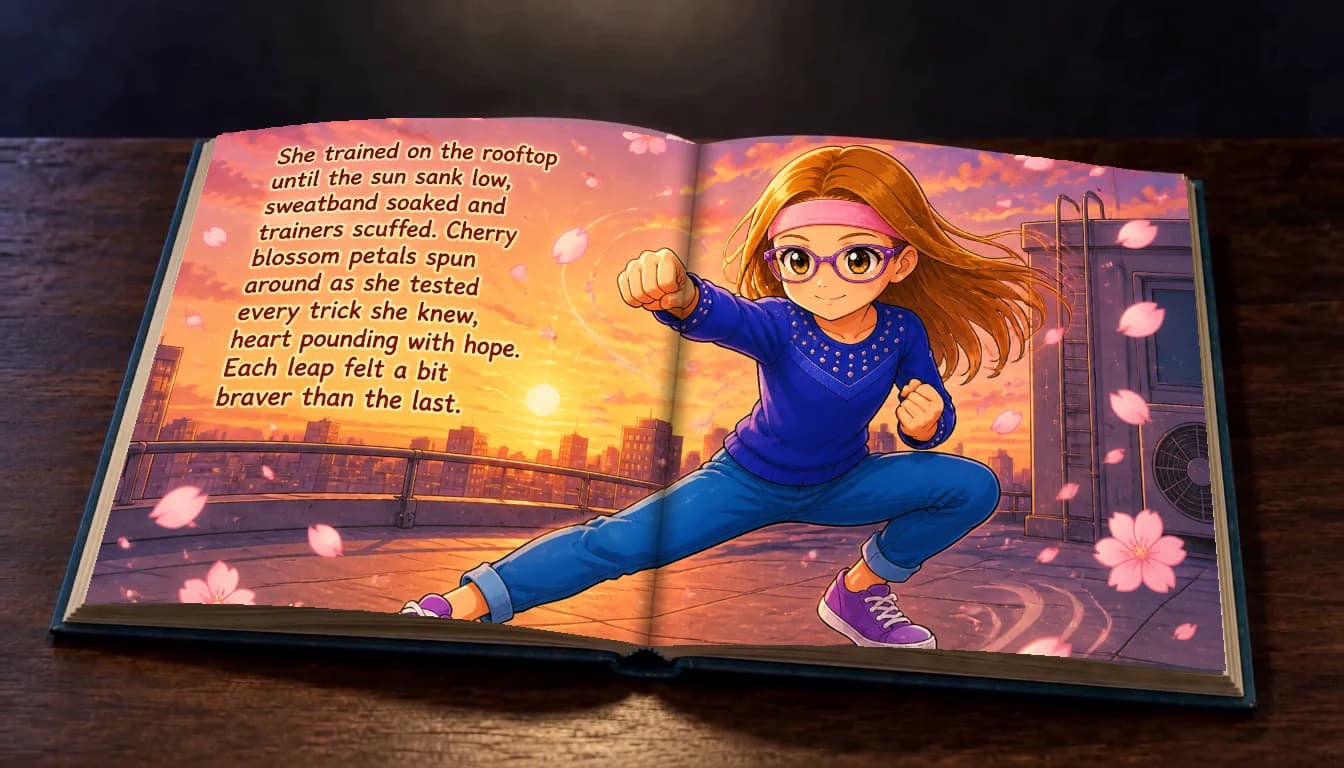
See how one scene opens up
Before · Single page
Single page
One scene fills one printed page.

After · Double-page spread
One continuous spread
One scene stretches across both pages, with the center fold between them.

Two facing illustrations
Two different scenes sit beside each other. Their pictures do not join.


Leave room for the fold
In a printed book, the middle bends into the binding. Keep faces, important details and words away from this center area. Text belongs comfortably within one half of the picture.
Read on any screen
The desktop reader shows the panorama across the full opening. On mobile, it shows the complete illustration; enlarge it to read the words and explore the details. Narration reads each scene once.
Choose, review, then apply
Use “Double-page spread” beneath an interior illustration to switch it on or off, then review and apply your changes. Only the pages you toggle change; other scenes keep their saved layout. Alignment blanks may be added so spreads face correctly. Covers and books with separate text pages keep their existing layout.
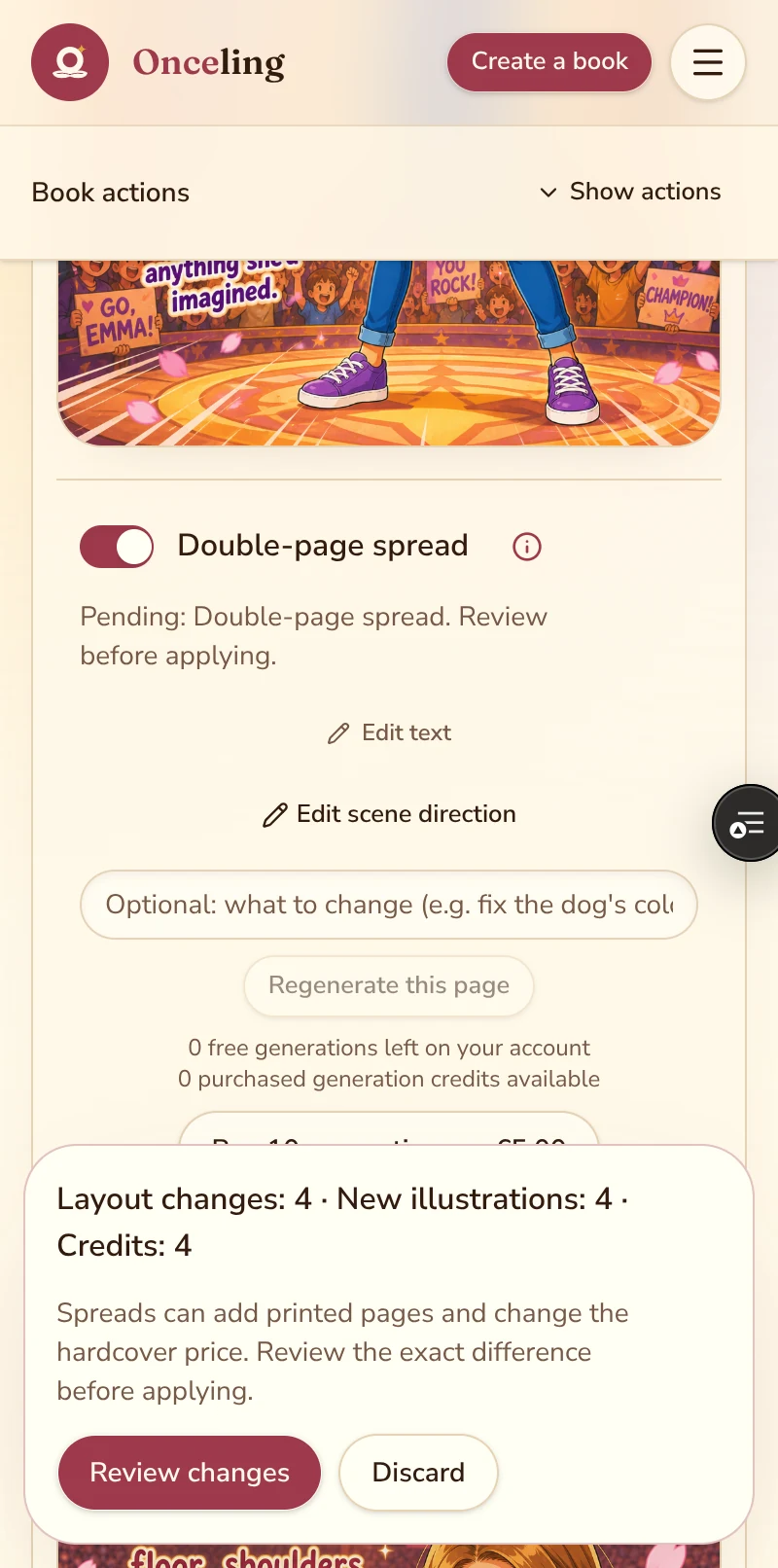
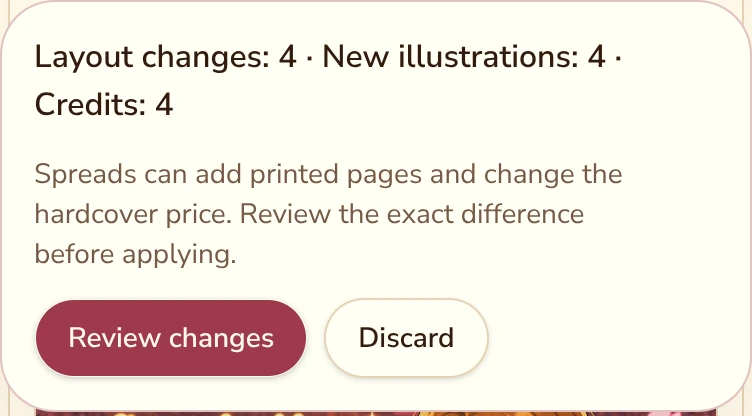
Check both costs
Creating a new illustration uses 1 generation credit per scene, using your included allowance first. Turning a spread off automatically restores its saved original for free when available. If no suitable saved artwork is available, the review shows the generation cost. Spreads and alignment blanks can change the printed page count and hardcover price: compare the exact totals before applying. Your current book stays available until all changes succeed.